






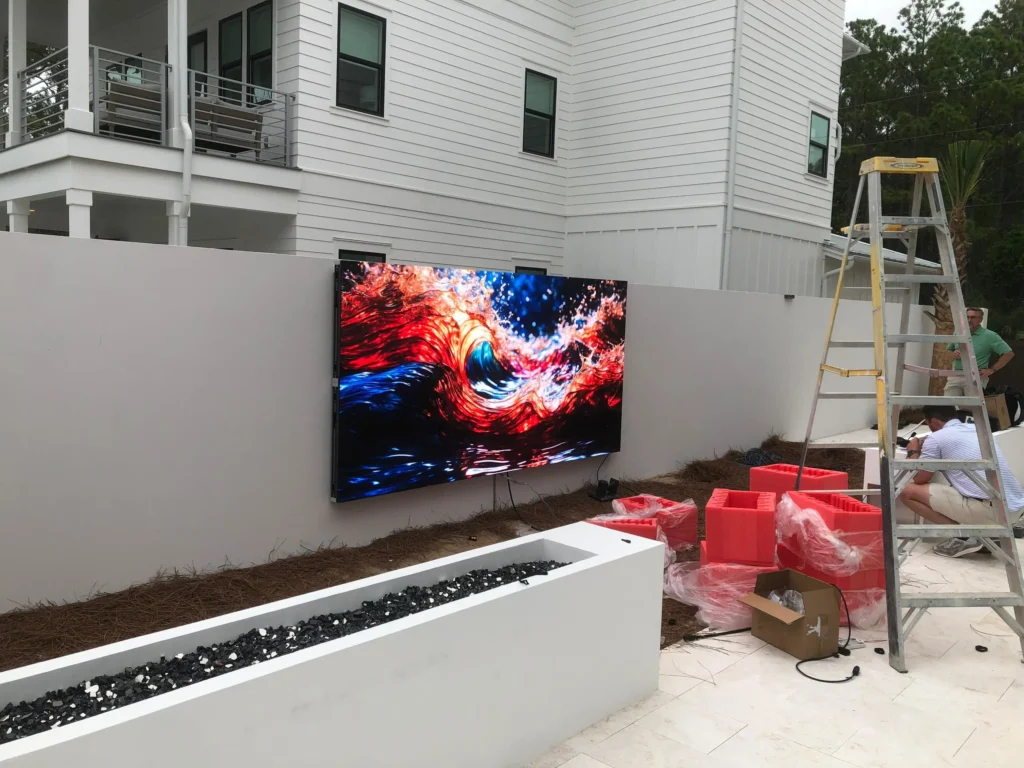
You’ve invested in a state-of-the-art Jumbotron for your stadium, campus, or corporate event space. In person, the content looks absolutely stunning, the colors are vibrant, the contrast is sharp, and the motion is fluid.
But then, your media team or a student content creator points a smartphone or digital camera at the screen to capture a quick video for social media. Suddenly, the image on the camera monitor is ruined by strange dark bands, aggressive flickering, or bizarre color distortions.
What gives? Is there something wrong with your display?
The short answer is no. Your Jumbotron Video Walls are doing exactly what they were designed to do. The issue stems from a fascinating technological mismatch between how the human eye perceives light and how digital cameras capture it.
Here is the breakdown of why this happens and exactly how content creators can fix it.
The Tech Behind the Screen: Why the Camera Sees Flaws
1. The Secret of LED Refresh Rates vs. Camera Shutter Speeds
To the human eye, LED Video Walls appear to be a solid, continuously glowing image. In reality, the screen is turning on and off thousands of times per second. LEDs use a technique called Pulse Width Modulation (PWM) to control brightness and display moving images. The speed at which these LEDs refresh is known as the Refresh Rate (typically measured in Hertz, such as 1,920 Hz or 3,840 Hz).
Because of a biological phenomenon called Persistence of Vision, human brains blend these rapid flashes into a seamless, smooth picture.
Digital cameras, however, don’t have a biological brain to blend images. They capture light by opening and closing a shutter at a specific speed (e.g., 1/60th or 1/125th of a second). If the camera’s shutter opens and closes right as the LED wall is in the middle of its micro-second “off” cycle, the camera captures a dark band or a flicker.
2. Scan Lines and Spatial Multiplexing
To keep power consumption and manufacturing costs efficient, many outdoor and mobile Jumbotron Video Walls use a method called “multiplexing” or a scan drive. Instead of lighting up every single pixel simultaneously, the internal system lights up the screen row by row, incredibly fast.
Once again, your eyes are too slow to notice this scanning process. But a camera operating at a high shutter speed will capture the exact moment a specific row of pixels is dark, resulting in those annoying black horizontal or diagonal lines running across your footage.
3. The Dreaded Moiré Effect
Have you ever seen a wavy, rainbow-like pattern appear on LED Video Walls when a camera zooms in? That is called the Moiré Effect.
This happens when the camera’s digital sensor grid (its pixels) overlays with the physical pixel grid of the Jumbotron (the pixel pitch). When these two tight geometric grids conflict, it creates a visual interference pattern that distorts the image entirely.
How Content Creators Can Fix It: 3 Quick Tips
If your college, university, or business is filming live events or creating promotional content in front of a Jumbotron, pass these settings along to your production crew:
- Match the Shutter Speed (The 180-Degree Rule): The easiest way to eliminate flicker is to adjust the camera’s shutter speed to be a clean mathematical fraction of the screen’s refresh rate. If you are shooting at 24 or 30 frames per second, try setting your shutter speed to 1/50th or 1/60th of a second.
- Adjust the Camera Angle and Distance: To defeat the Moiré effect on LED Video Walls, avoid shooting completely parallel to the screen. Slightly angling the camera (even just a few degrees) or subtly changing your distance/zoom level will break up the grid conflict and clear up the image instantly.
- Soften the Focus Slightly: If you are shooting a speaker or an athlete in front of the display, use a shallow depth of field (a wider aperture like f/2.8 or f/4). By keeping your subject perfectly sharp and letting the background fall slightly out of focus, you completely erase Moiré patterns while creating a beautiful, professional look.
The Takeaway for Buyers
When investing in a new display, the hardware matters. High-end Jumbotron Video Walls designed with premium driver ICs boast refresh rates of 3,840 Hz or higher, making them naturally “broadcast-safe” and vastly easier for cameras to capture cleanly without specialized settings.
Ready to upgrade your visual experience? CONTACT Jumbotron Screens LLC at 877-794-2220 for more information or Click here to Contact US.